Invoicing Built for Windshield Repair
Chip repairs, full glass replacement, ADAS calibration, and mobile trip fees should list separately. Drivers and fleets pay glass shops when invoices cite vehicle and insurance claim numbers.
- Create & send invoices in under 2 minutes
- Save client info, no more copy-paste
- PDF export for email or printing
Quick answer
Invoice Website is a free online invoice generator for Windshield Repair: pick a template, add your client and line items, and download a PDF or send it by email in about two minutes. No card required.
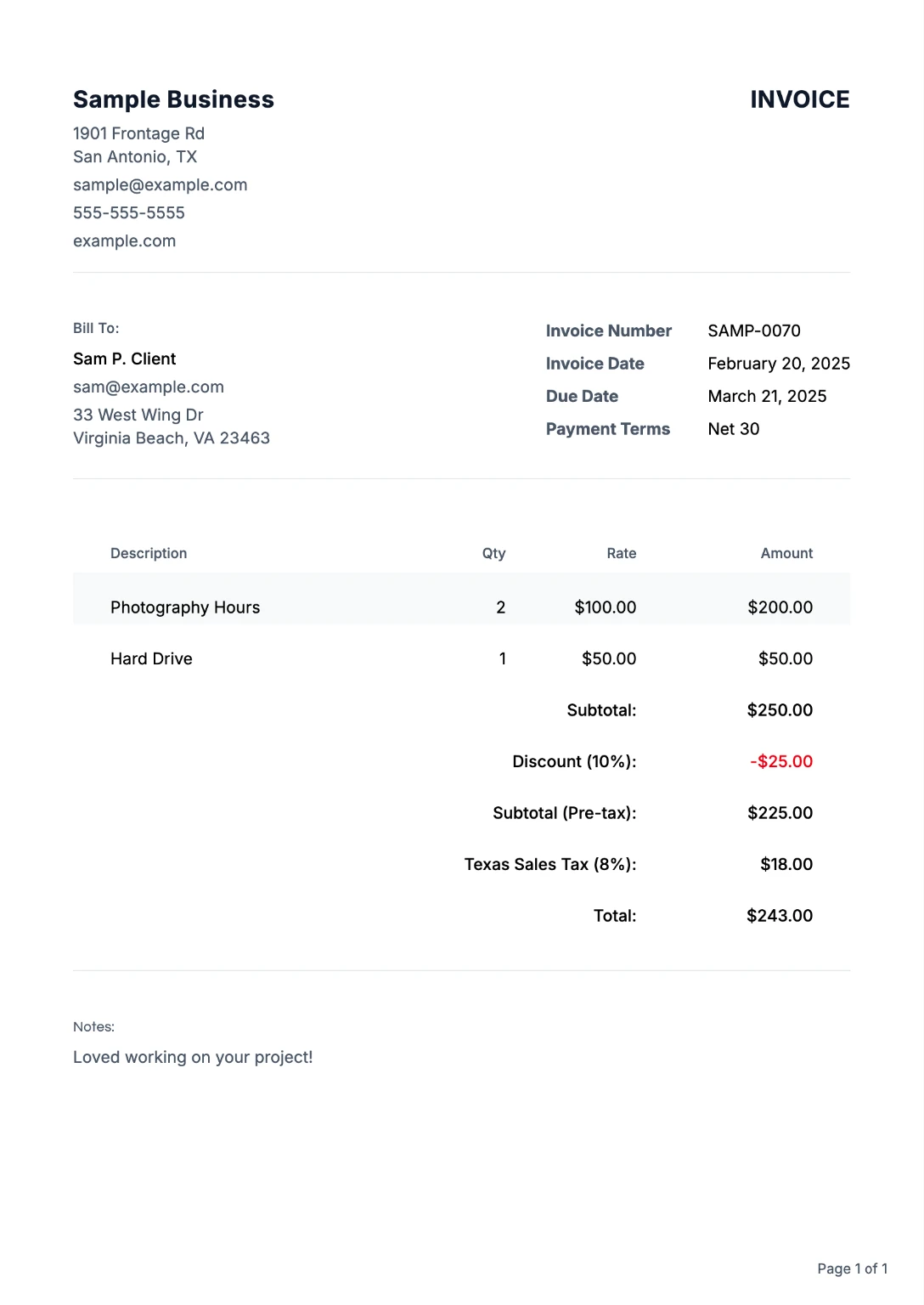
Everything Windshield Repair pros Need to Get Paid
From your first invoice to repeat clients, we've got you covered
Pro Templates
Templates help windshield repair pros itemize work, taxes, and payment terms so clients approve invoices faster.
Browse templates →Client Library
Save client details once. Reuse on every invoice. No more copying and pasting.
Multi-Currency
Bill in USD, EUR, GBP, and 10+ currencies when windshield repair clients, vendors, or project partners cross borders.
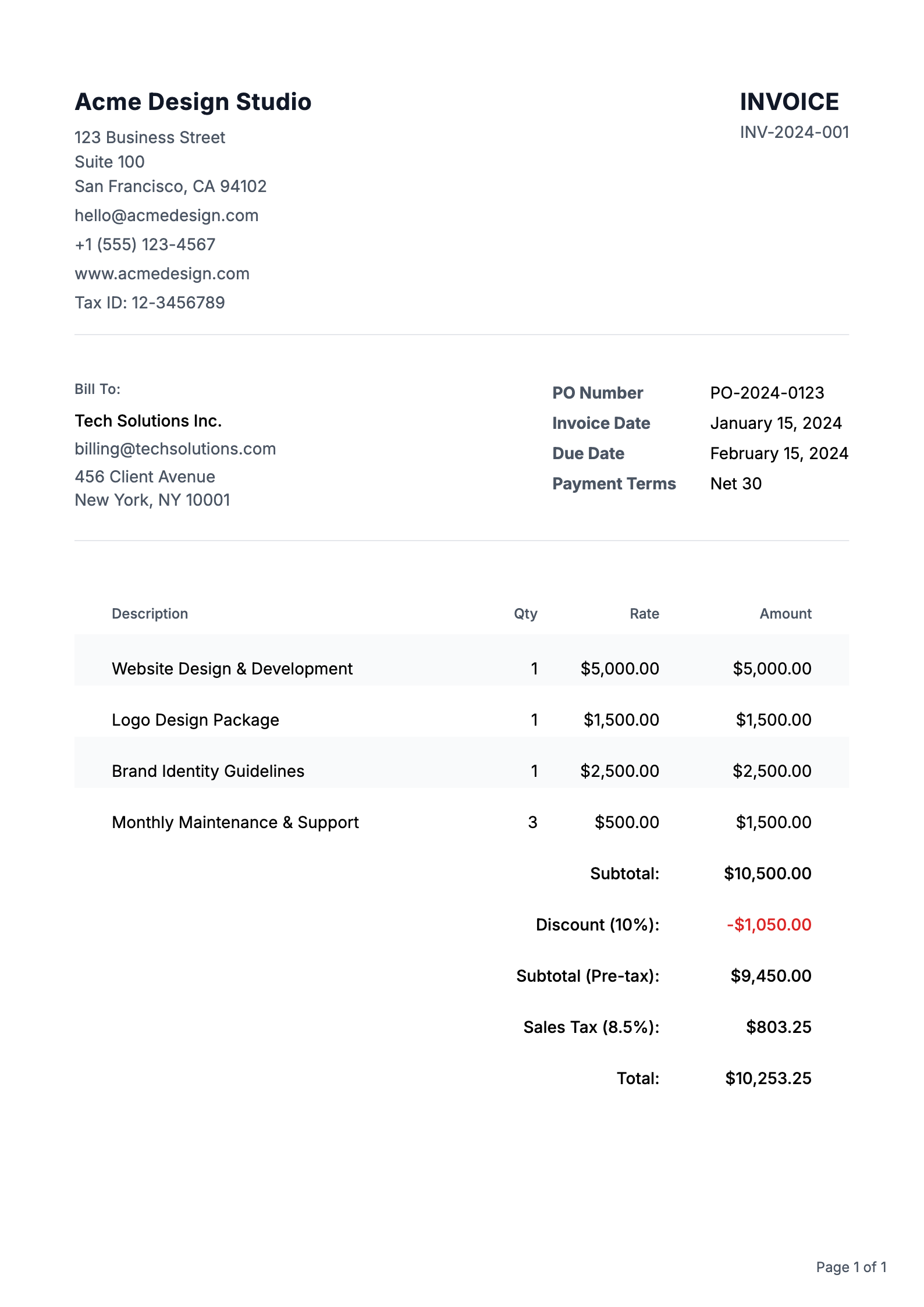
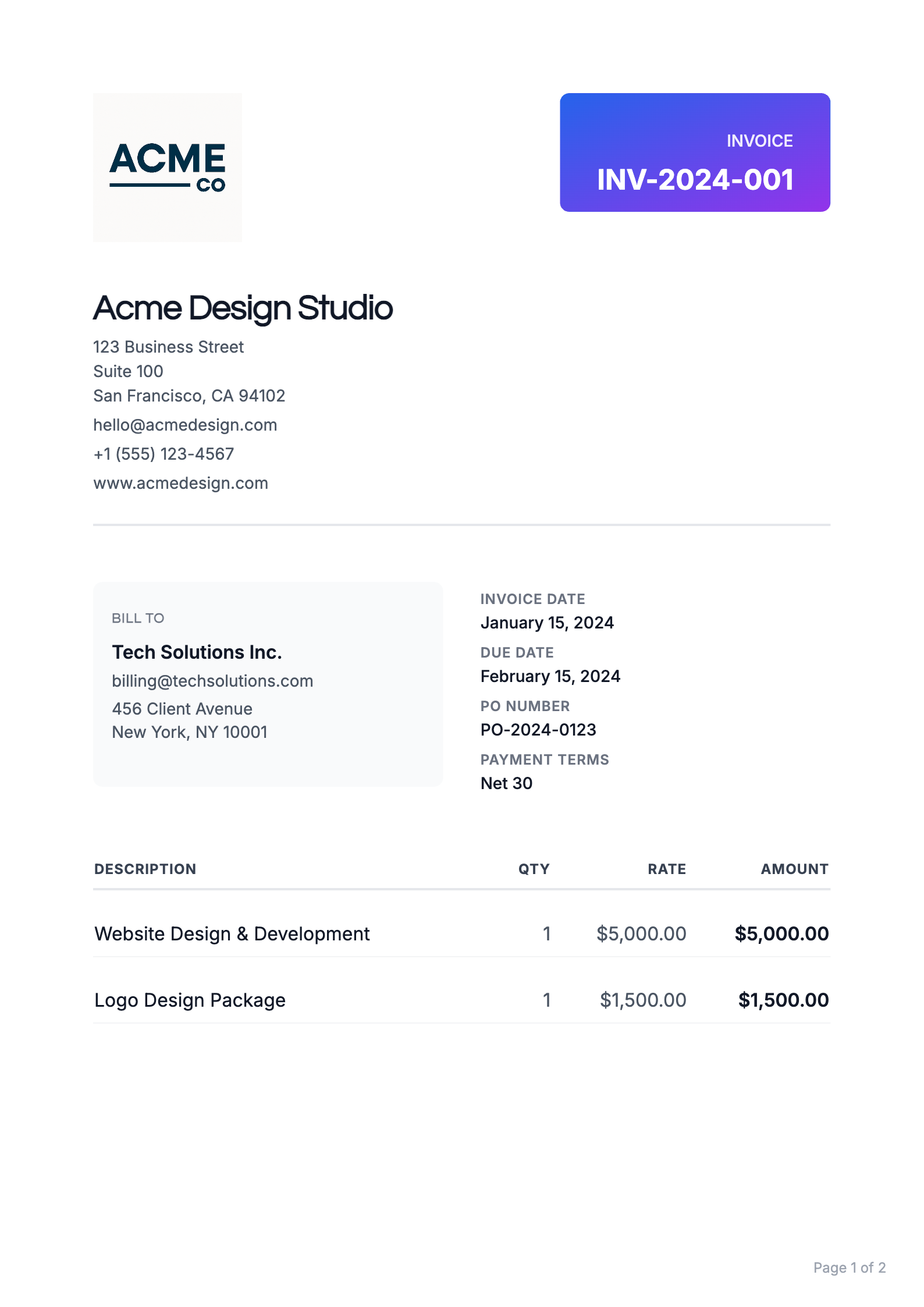
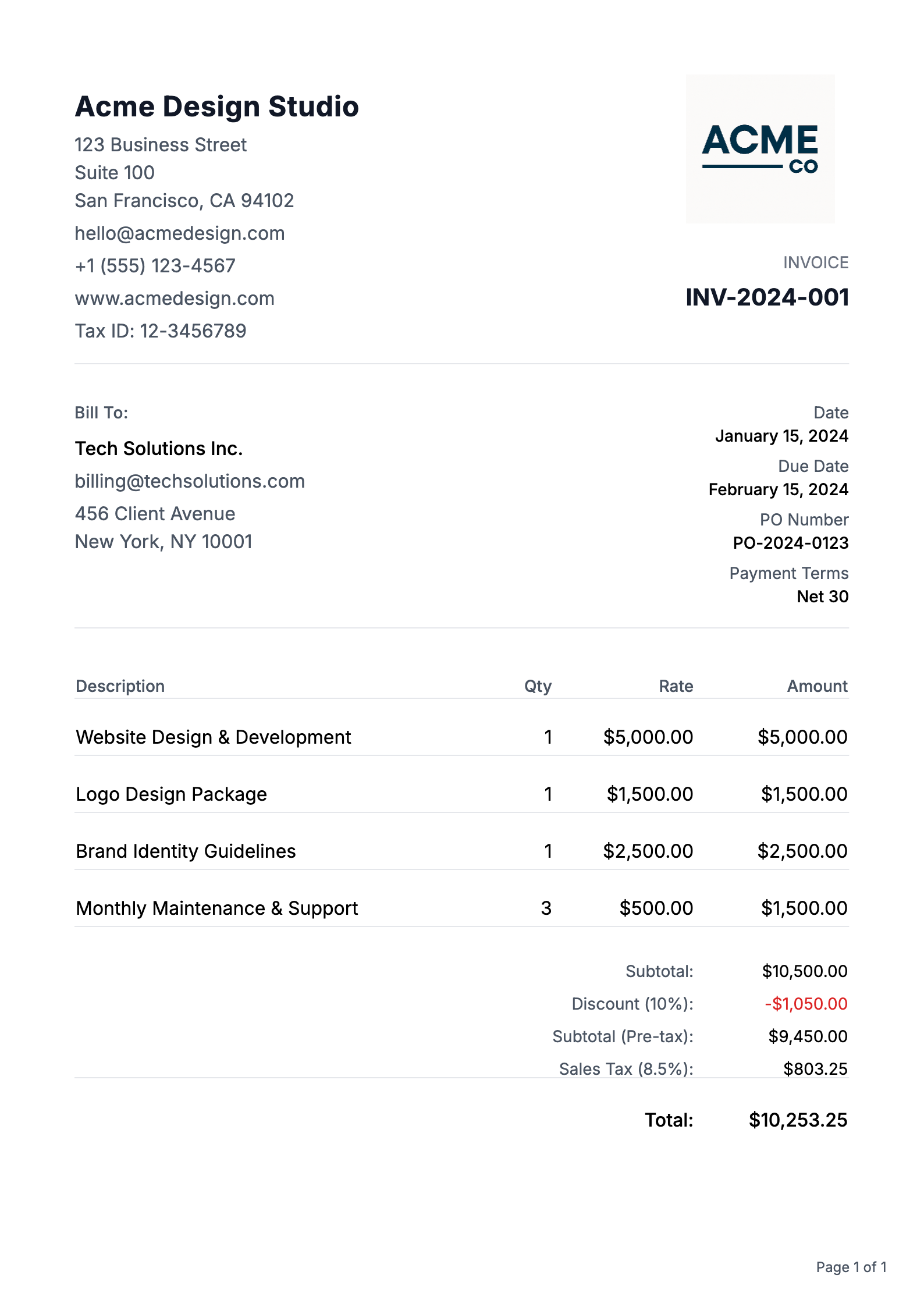
Templates That Win Work
Professional designs that help you get taken seriously, and get paid
Windshield Repair Invoicing FAQs
Common questions about creating and sending invoices
How do I create a professional invoice?
Creating a professional invoice is easy with our platform. Start with our pre-built templates, customize your branding, add your business details, and include itemized charges. Our system automatically calculates totals and taxes, ensuring your invoice looks polished and professional every time.
What information must be included on an invoice?
Every professional invoice should include: your business name and contact information, client's details, unique invoice number, issue date, payment due date, itemized list of products/services, prices, payment terms, and accepted payment methods.
How do I number my invoices correctly?
Our system automatically generates sequential invoice numbers for you, ensuring proper organization and tracking. You can also customize your invoice numbering format to include prefixes, dates, or client codes to match your business needs.
Should I charge tax on my invoices?
Tax requirements vary by location and service type. Our platform allows you to easily add and calculate taxes when applicable. We recommend consulting with a tax professional for specific guidance on your tax obligations.
When should I send my invoice?
Best practice is to send invoices promptly after completing work or delivering products.
How long should I give clients to pay?
Common payment terms are Net 30 (30 days), but you can customize this based on your business needs and client relationships. Our platform lets you set and clearly display payment terms, and automatically tracks due dates for better payment management.
What is the difference between an invoice and a Purchase Order (PO)?
A Purchase Order (PO) is a document sent by a buyer to a seller to authorize a purchase, specifying what goods or services are being ordered and at what price. An invoice, on the other hand, is sent by the seller to the buyer after the goods or services have been delivered, requesting payment for what was provided. In simple terms: a PO is a promise to buy, while an invoice is a request for payment.
What currencies do you support?
We support multiple currencies for both invoices and purchase orders: USD ($), EUR (€), GBP (£), JPY (¥), CAD (C$), AUD (A$), CHF (Swiss Franc), CNY (Chinese Yuan ¥), HKD (HK$), SGD (S$), INR (₹), KRW (₩), MXN (MX$), NGN (₦), PHP (₱), and AED (د.إ). We also support a Custom currency option, so you can type your own symbol or code if your currency is not listed. Simply select your preferred currency when creating or editing an invoice or purchase order, and amounts will be formatted correctly in the preview, PDF, and throughout your account.
Do invoices and purchase orders support cryptocurrencies?
Yes! Both invoices and purchase orders support crypto payments. You can select from popular cryptocurrencies including Bitcoin (BTC), Ethereum (ETH), USD Coin (USDC), and Tether (USDT) when creating your documents. Crypto amounts are automatically formatted with the appropriate symbols and decimal precision. This makes it easy to accept crypto payments from clients or specify crypto payment terms in your purchase orders. Simply choose your preferred cryptocurrency from the currency dropdown when creating or editing an invoice or purchase order.
Free estimate builders for this work
More invoicing resources
- Appliance Repair Invoicing Appliance repair Invoicing covers typical diagnostics, parts, and labor. Free account. Convert your estimate to an invoice in one click. Open page
- Wildlife Removal Invoicing Wildlife Removal invoicing. Free account. Turn your estimate into an invoice in one click. Works for quotes too. Open page
- Artificial Turf Installation Invoicing Artificial Turf Installation invoicing. Free account. Turn your estimate into an invoice in one click. Works for quotes too. Open page
- Water Softener Installation Invoicing Water Softener Installation invoicing. Free account. Turn your estimate into an invoice in one click. Works for quotes too. Open page
- Asbestos Abatement Invoicing Asbestos Abatement invoicing. Free account. Turn your estimate into an invoice in one click. Works for quotes too. Open page
- Water Feature Installation Invoicing Water Feature Installation invoicing. Free account. Turn your estimate into an invoice in one click. Works for quotes too. Open page
Invoicing terms explained
- Reference number A reference number is any identifier placed on an invoice or payment to connect related records, such as the client's project code, a contract number, or the text the client should put in their bank transfer so the payment can be matched to the invoice. Read definition
- Net amount The net amount is the value left after deductions, or the price before tax, depending on context. Read definition
- Gross amount The gross amount is the total of an invoice or line before deductions are taken off. Read definition
- Net 45 Net 45 is a payment term meaning the full invoice amount is due 45 calendar days after the invoice date. Read definition
- Net 10 Net 10 is a payment term meaning the full invoice amount is due 10 calendar days after the invoice date. Read definition
- Cash on delivery Cash on delivery (COD) is a payment term where the buyer pays at the moment goods or services are delivered, rather than receiving an invoice to pay later. Read definition
Join Windshield Repair pros Who Get Paid on Time
Create your first invoice in minutes. No credit card required.