1 Pick a template

Start from a layout you like, then add your business name, logo, and client details.
Create, customize, and send professional invoices. Save client info, export to PDF, and manage everything in one place.
Already have an account? Log in

How it works
Start from a layout you like, then add your business name, logo, and client details.

Add your business name, contact info, logo, and signature, then continue with line items and totals.

Share your invoice with your client or export a PDF for email, printing, or your records.
Ready to try it? Start free.
Three quick steps from a blank page to a professional invoice for email or PDF download.
Why Choose Us
Create, customize, and manage your invoices with our easy-to-use tools
Your invoices should look like you, upload your own logo and customize the template to your brand
Browse templatesReuse clients, line items, and past invoices, so sending one takes seconds, not minutes
Invoice them in their currency without touching a converter
Templates
Choose from our collection of professionally designed invoice templates
 Free
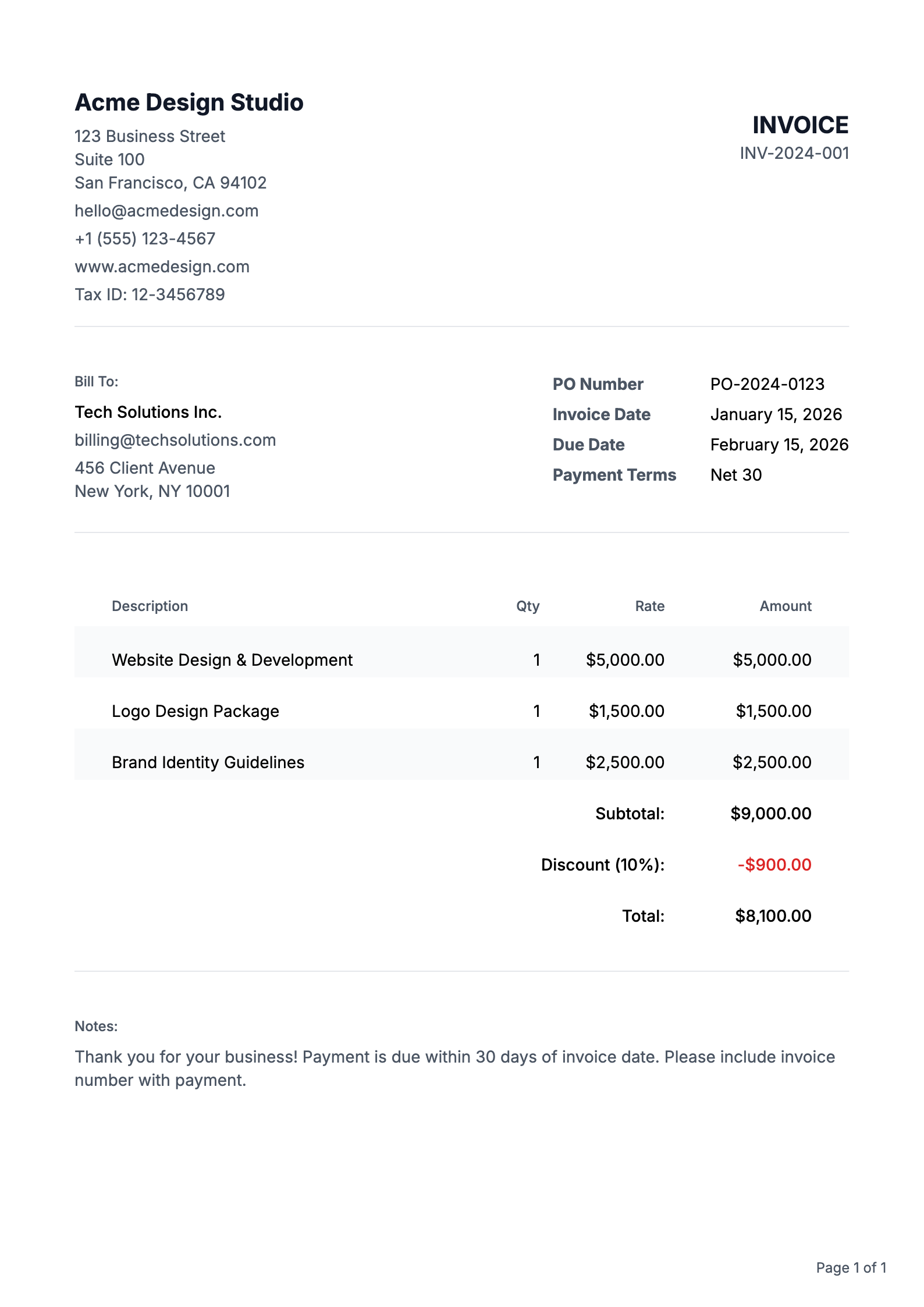
Free A clean, basic invoice layout - upgrade to add your business logo
View Template
A contemporary design with logo support, bold typography and ample white space
View Template
A minimalist design focusing on essential information
View TemplateExplore our full collection of professionally designed templates
Browse All TemplatesPricing
Choose the perfect plan for your business. Start free and upgrade as you grow.
Perfect for getting started
$0
Free forever
For growing businesses
$4.17/month
$50/year billed annually
For power users
$
FAQ
Everything you need to know about creating professional invoices
Creating a professional invoice is easy with our platform. Start with our pre-built templates, customize your branding, add your business details, and include itemized charges. Our system automatically calculates totals and taxes, ensuring your invoice looks polished and professional every time.
Every professional invoice should include: your business name and contact information, client's details, unique invoice number, issue date, payment due date, itemized list of products/services, prices, payment terms, and accepted payment methods.
Our system automatically generates sequential invoice numbers for you, ensuring proper organization and tracking. You can also customize your invoice numbering format to include prefixes, dates, or client codes to match your business needs.
Tax requirements vary by location and service type. Our platform allows you to easily add and calculate taxes when applicable. We recommend consulting with a tax professional for specific guidance on your tax obligations.
Best practice is to send invoices promptly after completing work or delivering products.
Common payment terms are Net 30 (30 days), but you can customize this based on your business needs and client relationships. Our platform lets you set and clearly display payment terms, and automatically tracks due dates for better payment management.
A Purchase Order (PO) is a document sent by a buyer to a seller to authorize a purchase, specifying what goods or services are being ordered and at what price. An invoice, on the other hand, is sent by the seller to the buyer after the goods or services have been delivered, requesting payment for what was provided. In simple terms: a PO is a promise to buy, while an invoice is a request for payment.
We support multiple currencies for both invoices and purchase orders: USD ($), EUR (€), GBP (£), JPY (¥), CAD (C$), AUD (A$), CHF (Swiss Franc), CNY (Chinese Yuan ¥), HKD (HK$), SGD (S$), INR (₹), KRW (₩), MXN (MX$), NGN (₦), PHP (₱), and AED (د.إ). We also support a Custom currency option, so you can type your own symbol or code if your currency is not listed. Simply select your preferred currency when creating or editing an invoice or purchase order, and amounts will be formatted correctly in the preview, PDF, and throughout your account.
Yes! Both invoices and purchase orders support crypto payments. You can select from popular cryptocurrencies including Bitcoin (BTC), Ethereum (ETH), USD Coin (USDC), and Tether (USDT) when creating your documents. Crypto amounts are automatically formatted with the appropriate symbols and decimal precision. This makes it easy to accept crypto payments from clients or specify crypto payment terms in your purchase orders. Simply choose your preferred cryptocurrency from the currency dropdown when creating or editing an invoice or purchase order.
Start Today
No credit card required. Free plan available forever.