Invoicing Built for Photographers
Invoice portrait sessions, wedding packages, and commercial shoots with separate line items for shooting time, editing hours, travel, and usage licenses. Collect deposit and final balance on schedule.
- Create & send invoices in under 2 minutes
- Save client info, no more copy-paste
- PDF export for email or printing
Build a free estimate
Invoice Website is a free estimate and invoice tool for Photographers. Start from common line items for your trade, see the total as you go, then turn it into an invoice you can download as a PDF or email. No account needed to start.
Choose your estimate builder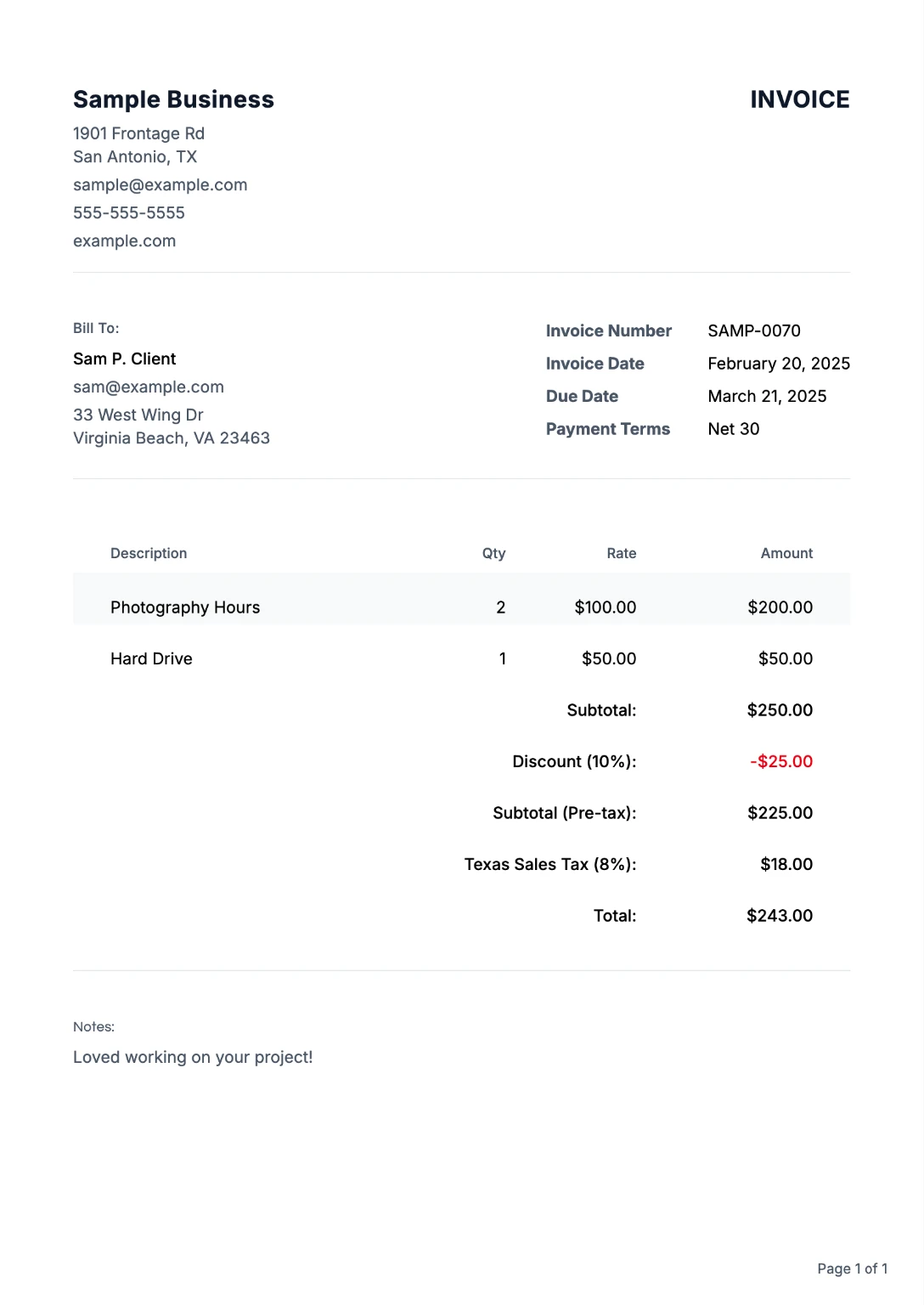
Everything Photographers Need to Get Paid
From your first invoice to repeat clients, we've got you covered
Pro Templates
Photographer templates cover session fees, album upgrades, second shooter charges, and licensing options, so clients trust the numbers before gallery delivery.
Browse templates →Client Library
Save client details once. Reuse on every invoice. No more copying and pasting.
Multi-Currency
Bill destination couples, brands, and agencies in USD, EUR, GBP, and 10+ currencies for travel shoots and international assignments.
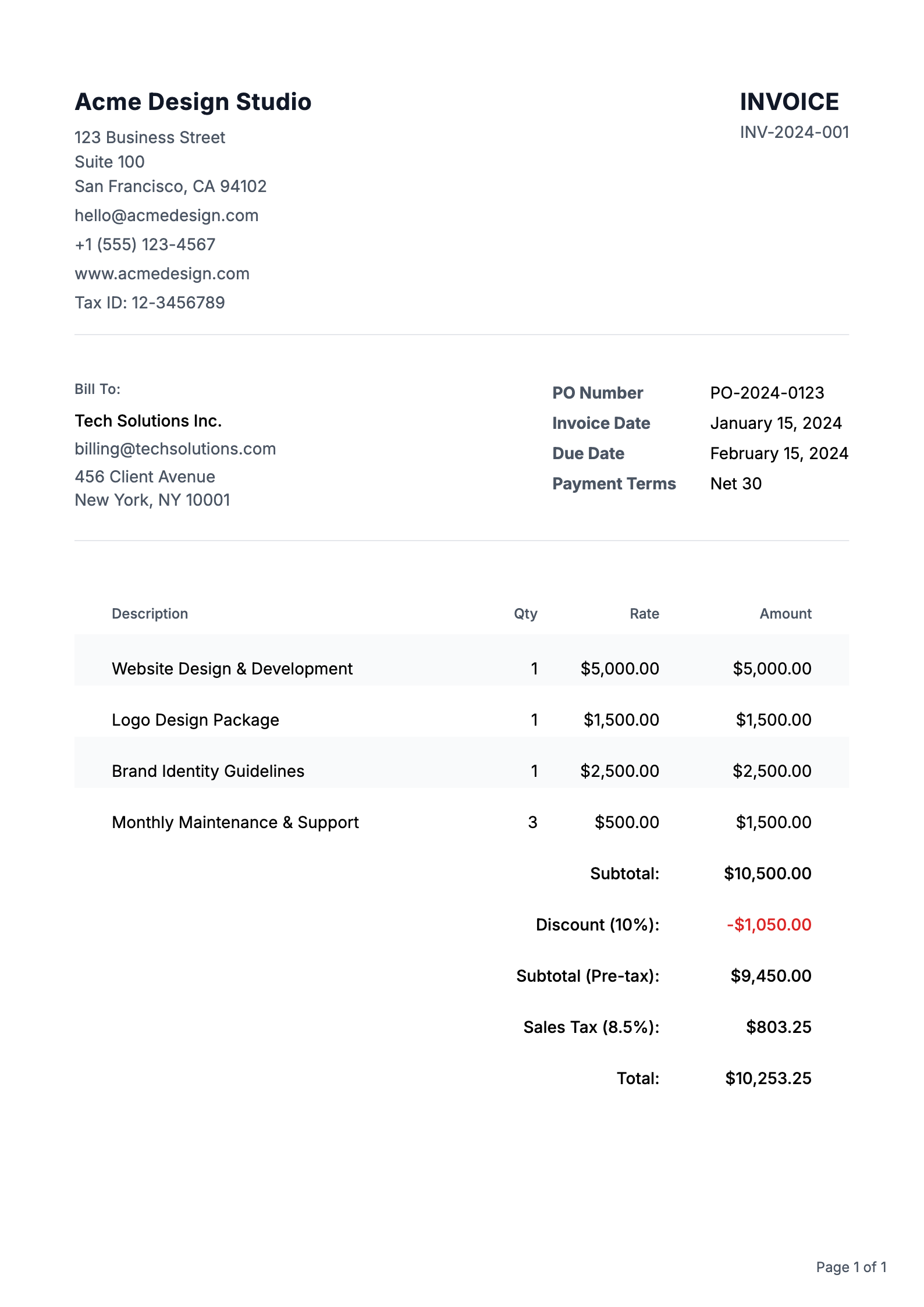
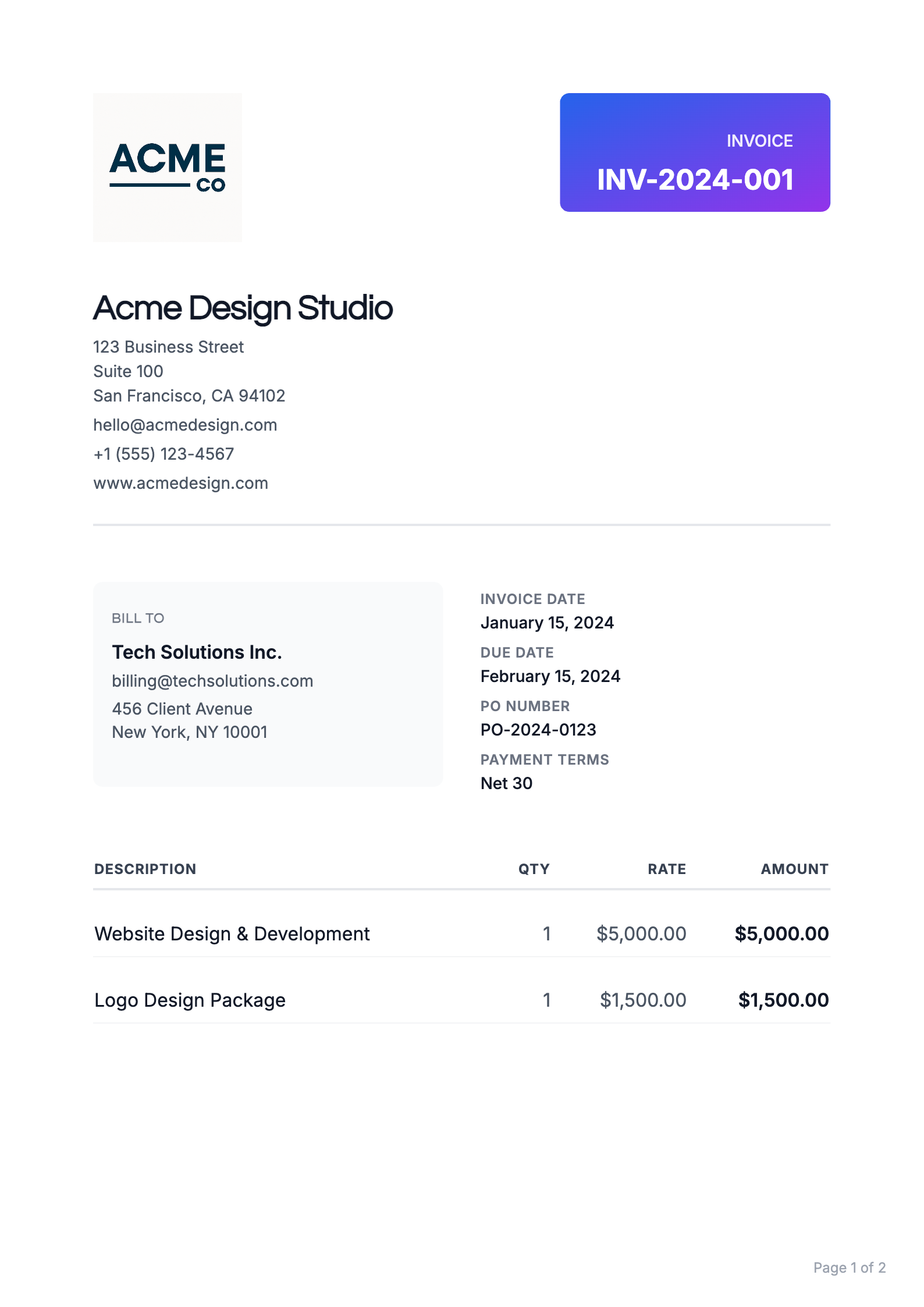
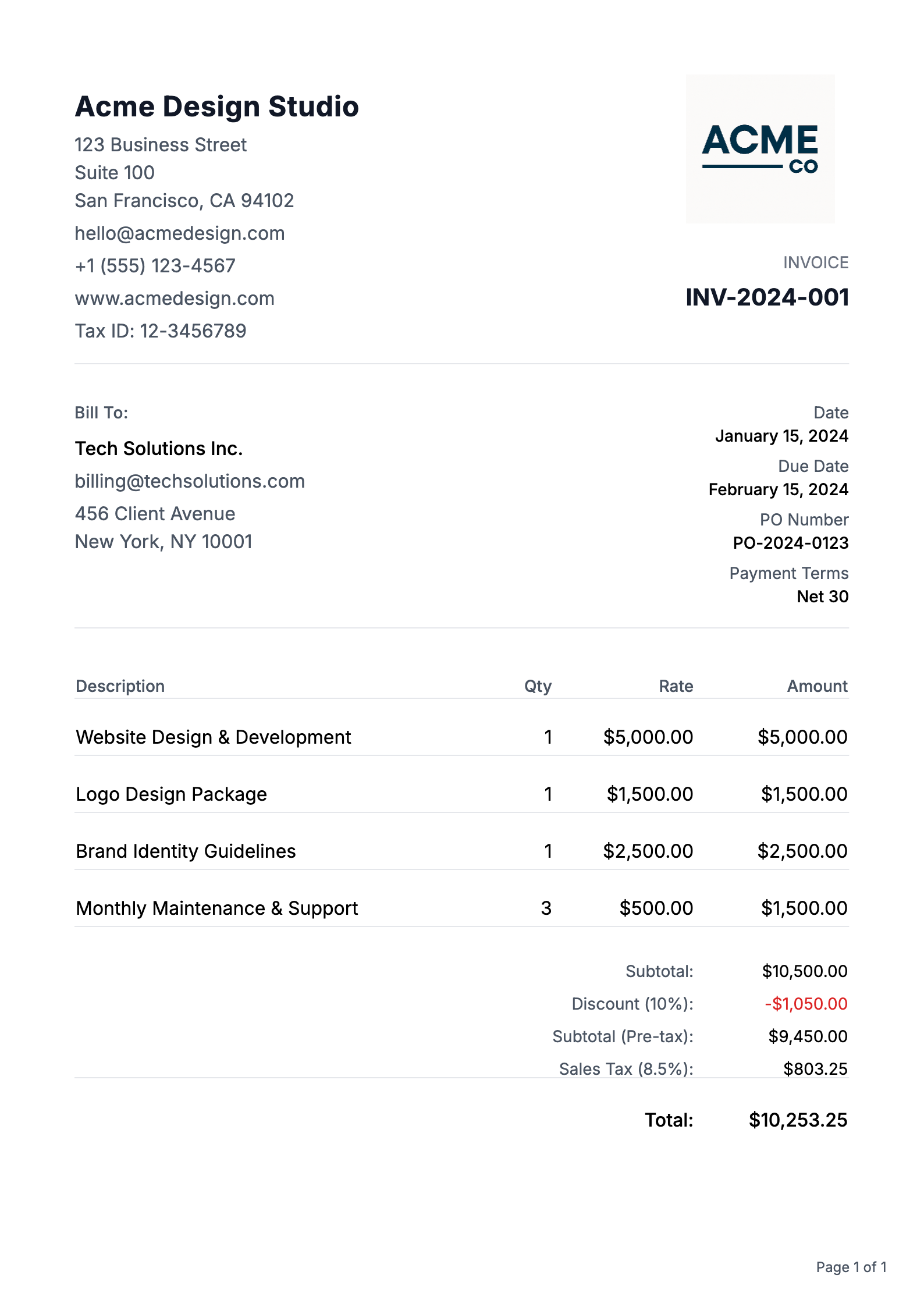
Templates That Win Work
Professional designs that help you get taken seriously, and get paid
Photographer Invoicing FAQs
Common questions about creating and sending invoices
How do I create a professional invoice?
Creating a professional invoice is easy with our platform. Start with our pre-built templates, customize your branding, add your business details, and include itemized charges. Our system automatically calculates totals and taxes, ensuring your invoice looks polished and professional every time.
What information must be included on an invoice?
Every professional invoice should include: your business name and contact information, client's details, unique invoice number, issue date, payment due date, itemized list of products/services, prices, payment terms, and accepted payment methods.
How do I number my invoices correctly?
Our system automatically generates sequential invoice numbers for you, ensuring proper organization and tracking. You can also customize your invoice numbering format to include prefixes, dates, or client codes to match your business needs.
Should I charge tax on my invoices?
Tax requirements vary by location and service type. Our platform allows you to easily add and calculate taxes when applicable. We recommend consulting with a tax professional for specific guidance on your tax obligations.
When should I send my invoice?
Best practice is to send invoices promptly after completing work or delivering products.
How long should I give clients to pay?
Common payment terms are Net 30 (30 days), but you can customize this based on your business needs and client relationships. Our platform lets you set and clearly display payment terms, and automatically tracks due dates for better payment management.
What is the difference between an invoice and a Purchase Order (PO)?
A Purchase Order (PO) is a document sent by a buyer to a seller to authorize a purchase, specifying what goods or services are being ordered and at what price. An invoice, on the other hand, is sent by the seller to the buyer after the goods or services have been delivered, requesting payment for what was provided. In simple terms: a PO is a promise to buy, while an invoice is a request for payment.
What currencies do you support?
We support multiple currencies for both invoices and purchase orders: USD ($), EUR (€), GBP (£), JPY (¥), CAD (C$), AUD (A$), CHF (Swiss Franc), CNY (Chinese Yuan ¥), HKD (HK$), SGD (S$), INR (₹), KRW (₩), MXN (MX$), NGN (₦), PHP (₱), and AED (د.إ). We also support a Custom currency option, so you can type your own symbol or code if your currency is not listed. Simply select your preferred currency when creating or editing an invoice or purchase order, and amounts will be formatted correctly in the preview, PDF, and throughout your account.
Do invoices and purchase orders support cryptocurrencies?
Yes! Both invoices and purchase orders support crypto payments. You can select from popular cryptocurrencies including Bitcoin (BTC), Ethereum (ETH), USD Coin (USDC), and Tether (USDT) when creating your documents. Crypto amounts are automatically formatted with the appropriate symbols and decimal precision. This makes it easy to accept crypto payments from clients or specify crypto payment terms in your purchase orders. Simply choose your preferred cryptocurrency from the currency dropdown when creating or editing an invoice or purchase order.
Free estimate builders for this work
- AV Production Quote Builder AV production quote builder with presets for sound, lighting, labor, and gear. Free tool. Convert your quote to an invoice in one click. Build estimate
- Brand Photography Quote Builder Brand Photography quote builder with editable preset line items. Free tool. Turn your quote into an invoice in one click. Works for estimates too. Build estimate
- Commercial Photography Quote Builder Commercial Photography quote builder with editable preset line items. Free tool. Turn your quote into an invoice in one click. Works for estimates too. Build estimate
- Drone Services Quote Builder Drone services quote builder with presets for photo, video, mapping, and travel. Free tool. Convert your quote to an invoice in one click. Build estimate
- Event Photography Quote Builder Event Photography quote builder with editable preset line items. Free tool. Turn your quote into an invoice in one click. Works for estimates too. Build estimate
- Event Videography Quote Builder Event Videography quote builder with editable preset line items. Free tool. Turn your quote into an invoice in one click. Works for estimates too. Build estimate
More invoicing resources
- Invoice Maker for Plumbers Send job-site plumbing invoices with service-call, labor, and parts line items. Open page
- Invoice Maker for Contractors Bill labor, materials, and change orders by project phase with confidence. Open page
- Online Invoice for Freelancers Invoice freelance retainers, milestones, and revision rounds with clearer payment terms. Open page
- Invoice Generator for Small Business Send polished invoices for service and product sales with tax and due-date clarity. Open page
- Invoice Creator for Self Employed Create fast, professional invoices as a solo operator without accounting overhead. Open page
- Invoice Generator for Consultants Invoice advisory retainers, workshops, and milestone deliverables with clear scope. Open page
Invoicing terms explained
- Invoice number An invoice number is a unique identifier assigned to each invoice so it can be tracked, referenced in payments, and audited. Read definition
- Shipping and handling Shipping and handling is a charge on an invoice that covers the cost of delivering goods and preparing them for shipment, including packing materials and labor. Read definition
- Invoice date The invoice date is the date an invoice is issued. Read definition
- Invoice dispute An invoice dispute is a disagreement in which a client refuses to pay all or part of an invoice because they believe it is wrong, for example due to pricing errors, unapproved charges, incomplete work, or quality problems. Read definition
- Overpayment An overpayment occurs when a client pays more than the amount due on an invoice, for example by paying twice, paying the wrong invoice, or rounding up. Read definition
- Cash in advance Cash in advance (CIA) is a payment term requiring the buyer to pay the full amount before the seller ships goods or starts work. Read definition
Join Photographers Who Get Paid on Time
Price the job with the free estimate builder, then convert it to an invoice in one click.