Invoicing Built for Freelancers
Bill discovery calls, project milestones, and monthly retainers from one place. Add revision rounds, usage fees, and payment terms so scope and due dates are clear.
- Create & send invoices in under 2 minutes
- Save client info, no more copy-paste
- PDF export for email or printing
Build a free estimate
Invoice Website is a free estimate and invoice tool for Freelancers. Start from common line items for your trade, see the total as you go, then turn it into an invoice you can download as a PDF or email. No account needed to start.
Choose your estimate builder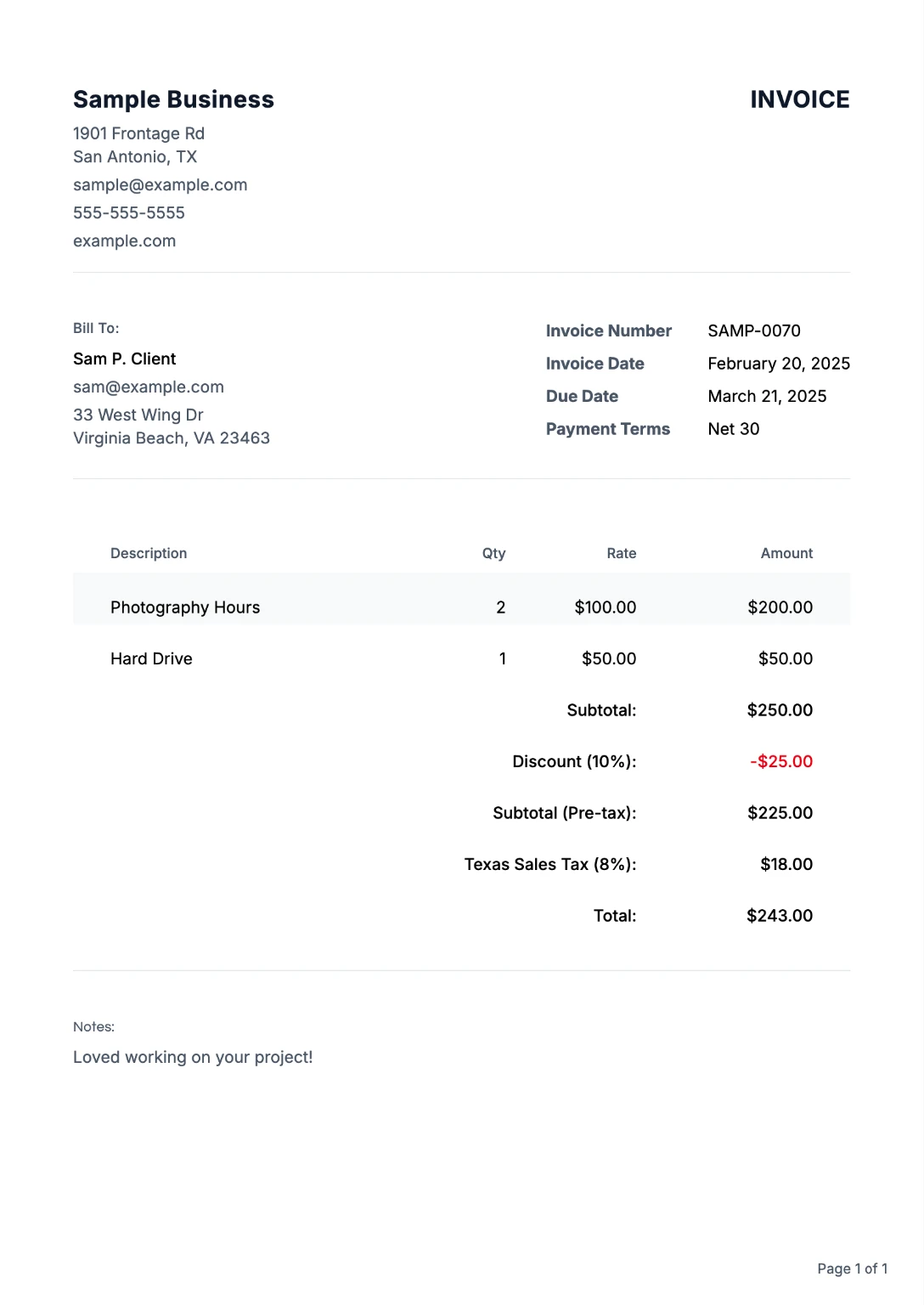
Everything Freelancers Need to Get Paid
From your first invoice to repeat clients, we've got you covered
Pro Templates
Use templates built for design, copywriting, and development work, with line items for retainers, deliverables, and revision blocks that clients can approve quickly.
Browse templates →Client Library
Save client details once. Reuse on every invoice. No more copying and pasting.
Multi-Currency
Bill remote clients in USD, EUR, GBP, and 10+ currencies, useful when your freelance pipeline includes startups and agencies in different countries.
Templates That Win Work
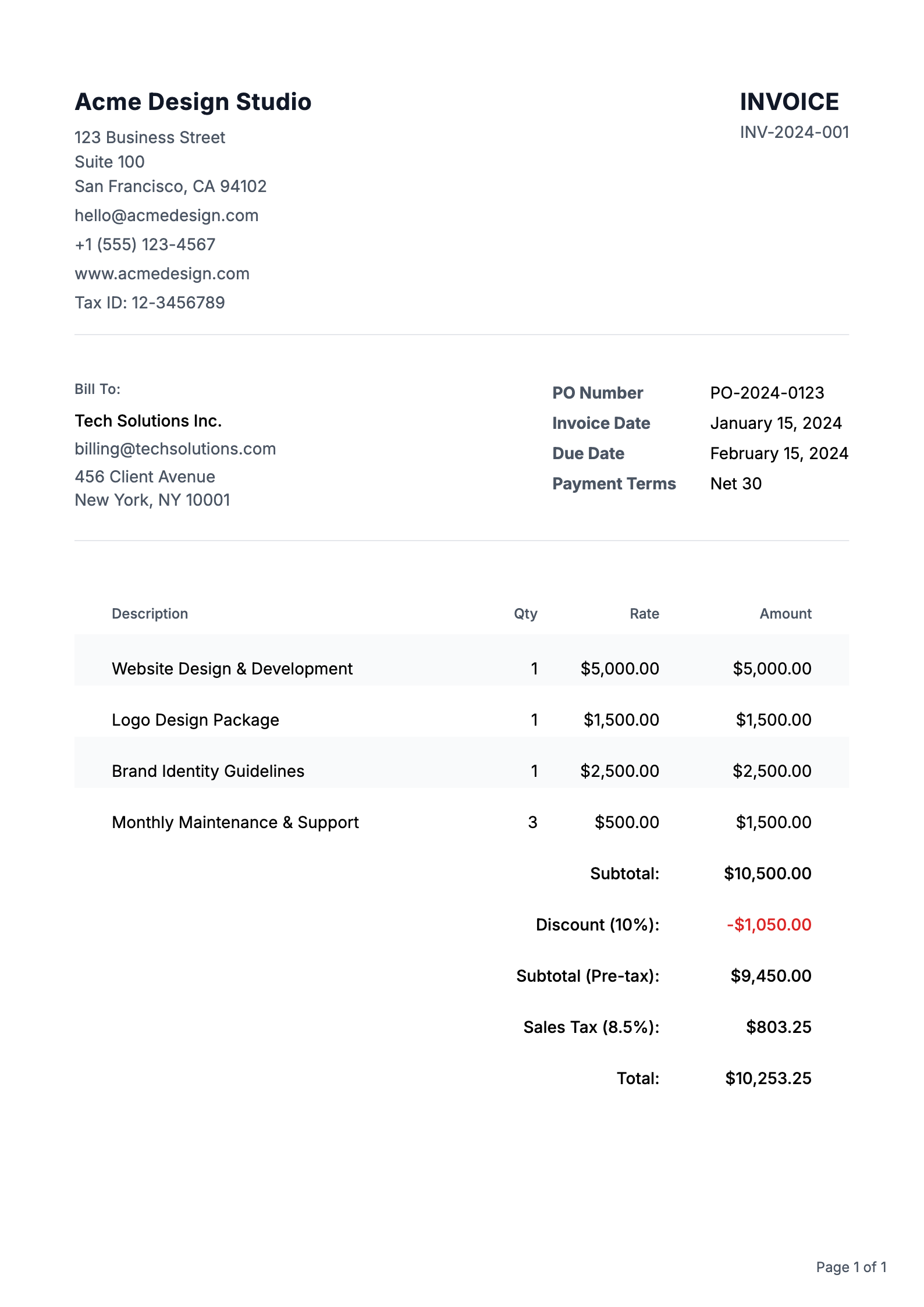
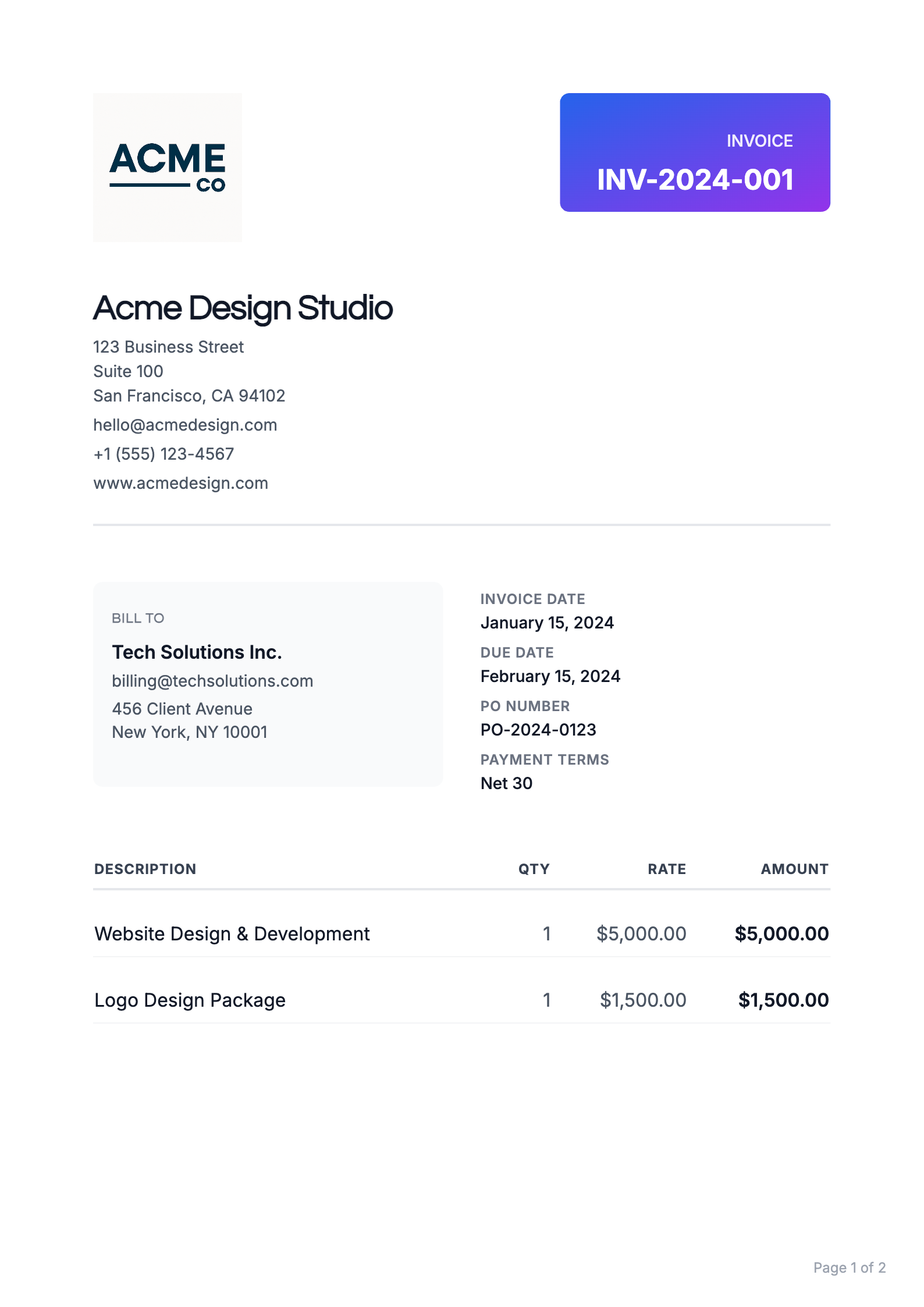
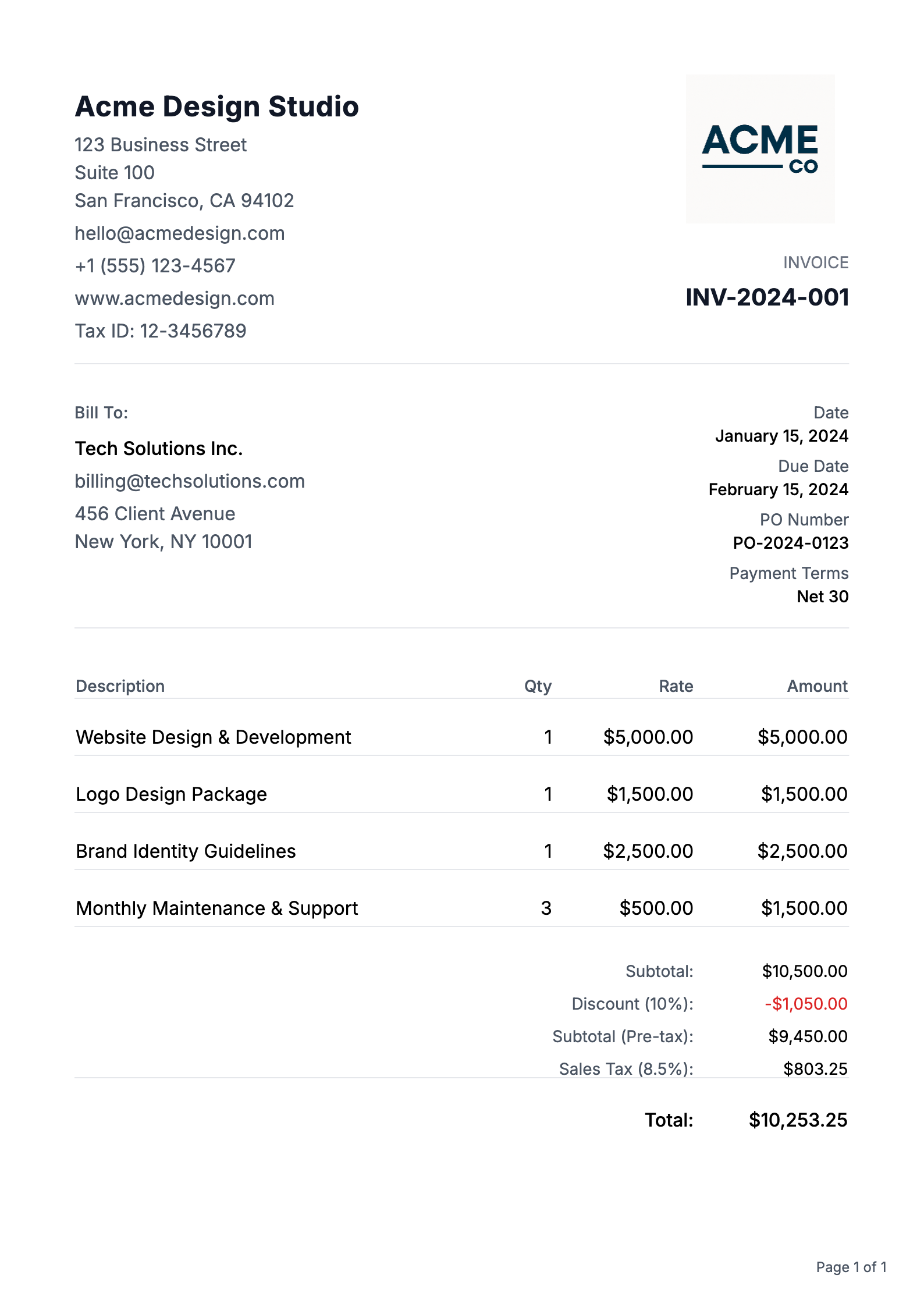
Professional designs that help you get taken seriously, and get paid
Freelancer Invoicing FAQs
Common questions about creating and sending invoices
How do I create a professional invoice?
Creating a professional invoice is easy with our platform. Start with our pre-built templates, customize your branding, add your business details, and include itemized charges. Our system automatically calculates totals and taxes, ensuring your invoice looks polished and professional every time.
What information must be included on an invoice?
Every professional invoice should include: your business name and contact information, client's details, unique invoice number, issue date, payment due date, itemized list of products/services, prices, payment terms, and accepted payment methods.
How do I number my invoices correctly?
Our system automatically generates sequential invoice numbers for you, ensuring proper organization and tracking. You can also customize your invoice numbering format to include prefixes, dates, or client codes to match your business needs.
Should I charge tax on my invoices?
Tax requirements vary by location and service type. Our platform allows you to easily add and calculate taxes when applicable. We recommend consulting with a tax professional for specific guidance on your tax obligations.
When should I send my invoice?
Best practice is to send invoices promptly after completing work or delivering products.
How long should I give clients to pay?
Common payment terms are Net 30 (30 days), but you can customize this based on your business needs and client relationships. Our platform lets you set and clearly display payment terms, and automatically tracks due dates for better payment management.
What is the difference between an invoice and a Purchase Order (PO)?
A Purchase Order (PO) is a document sent by a buyer to a seller to authorize a purchase, specifying what goods or services are being ordered and at what price. An invoice, on the other hand, is sent by the seller to the buyer after the goods or services have been delivered, requesting payment for what was provided. In simple terms: a PO is a promise to buy, while an invoice is a request for payment.
What currencies do you support?
We support multiple currencies for both invoices and purchase orders: USD ($), EUR (€), GBP (£), JPY (¥), CAD (C$), AUD (A$), CHF (Swiss Franc), CNY (Chinese Yuan ¥), HKD (HK$), SGD (S$), INR (₹), KRW (₩), MXN (MX$), NGN (₦), PHP (₱), and AED (د.إ). We also support a Custom currency option, so you can type your own symbol or code if your currency is not listed. Simply select your preferred currency when creating or editing an invoice or purchase order, and amounts will be formatted correctly in the preview, PDF, and throughout your account.
Do invoices and purchase orders support cryptocurrencies?
Yes! Both invoices and purchase orders support crypto payments. You can select from popular cryptocurrencies including Bitcoin (BTC), Ethereum (ETH), USD Coin (USDC), and Tether (USDT) when creating your documents. Crypto amounts are automatically formatted with the appropriate symbols and decimal precision. This makes it easy to accept crypto payments from clients or specify crypto payment terms in your purchase orders. Simply choose your preferred cryptocurrency from the currency dropdown when creating or editing an invoice or purchase order.
Free estimate builders for this work
- Affiliate Marketing Quote Builder Affiliate Marketing quote builder with editable preset line items. Free tool. Turn your quote into an invoice in one click. Works for estimates too. Build estimate
- Android Development Quote Builder Android Development quote builder with editable preset line items. Free tool. Turn your quote into an invoice in one click. Works for estimates too. Build estimate
- App Development Quote Builder App development quote builder for discovery, MVP, APIs, and stores. Free tool. Convert your quote to an invoice in one click. Build estimate
- Business Coaching Quote Builder Business Coaching quote builder with editable preset line items. Free tool. Turn your quote into an invoice in one click. Works for estimates too. Build estimate
- Career Coaching Quote Builder Career Coaching quote builder with editable preset line items. Free tool. Turn your quote into an invoice in one click. Works for estimates too. Build estimate
- Content Strategy Quote Builder Content Strategy quote builder with editable preset line items. Free tool. Turn your quote into an invoice in one click. Works for estimates too. Build estimate
More invoicing resources
- Invoice Creator for Self Employed Create fast, professional invoices as a solo operator without accounting overhead. Open page
- Invoice Maker for Plumbers Send job-site plumbing invoices with service-call, labor, and parts line items. Open page
- Invoice Generator for Artists Invoice commissions, licensing, and custom artwork with rights and deposit details. Open page
- Invoice Maker for Photographers Bill shoots, edits, albums, and licensing add-ons with clear payment schedules. Open page
- Invoice Generator for Consultants Invoice advisory retainers, workshops, and milestone deliverables with clear scope. Open page
- Invoice Maker for Contractors Bill labor, materials, and change orders by project phase with confidence. Open page
Invoicing terms explained
- Payment terms Payment terms are the conditions on an invoice that state when and how the client must pay. Read definition
- Late fee A late fee is a charge added to an invoice when the client pays after the due date. Read definition
- Partial payment A partial payment is any payment that covers less than the full balance of an invoice. Read definition
- Balance due The balance due is the amount still owed on an invoice after subtracting any payments, deposits, or credits already applied. Read definition
- Subtotal The subtotal is the sum of all line item totals on an invoice before taxes, discounts, and other adjustments are applied. Read definition
- Line item A line item is a single row on an invoice that describes one product or service, with its quantity, unit price, and line total. Read definition
Join Freelancers Who Get Paid on Time
Price the job with the free estimate builder, then convert it to an invoice in one click.