Quick answer
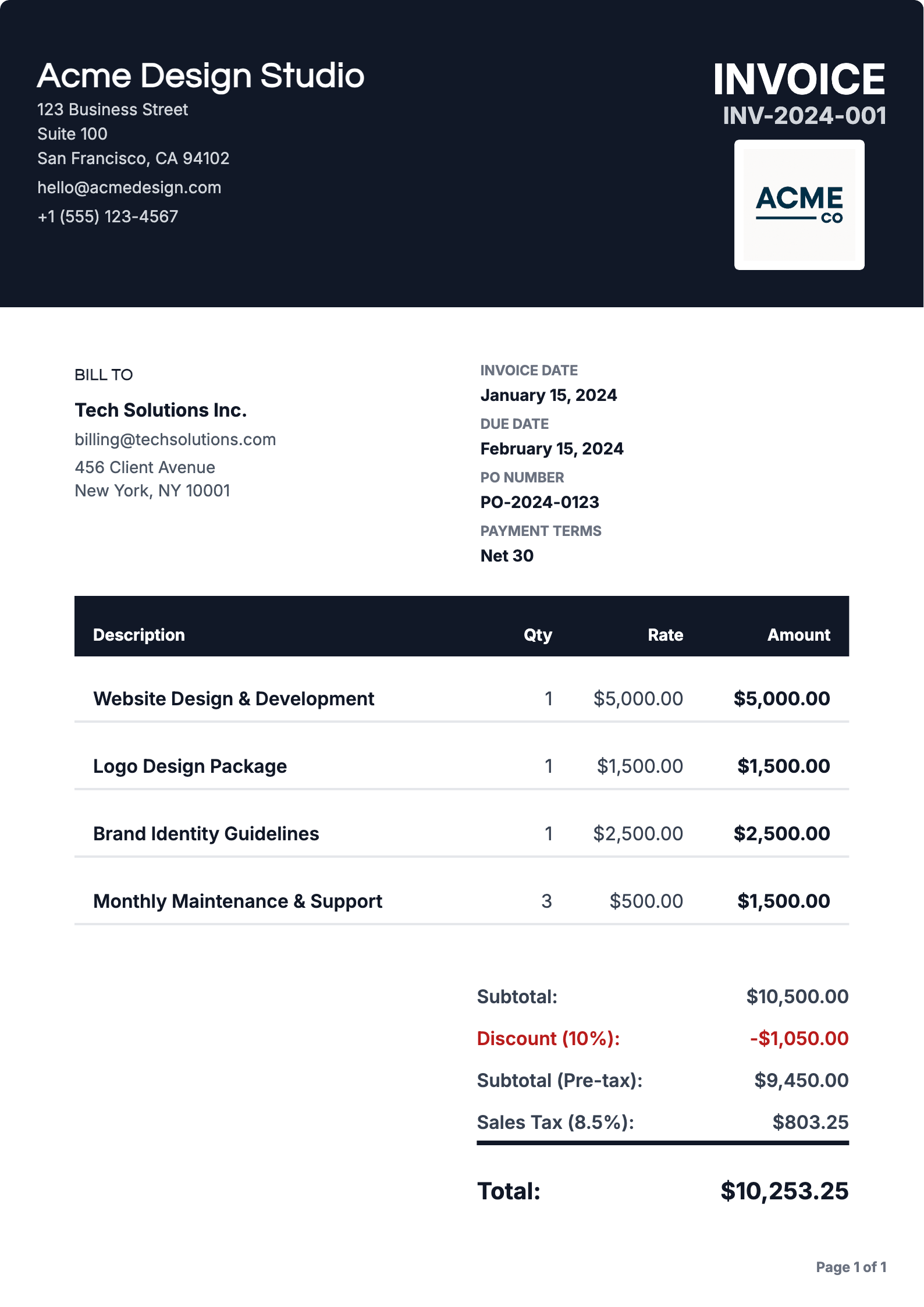
To create an invoice, list your business and client details, a unique invoice number, the invoice date and due date, each product or service with quantity and rate, the total, and how to pay. An online invoice generator fills in the layout, math, and numbering for you.
What is an Invoice?
An invoice is a document that requests payment for goods or services provided. Whether you're a freelancer, small business owner, or contractor, knowing how to create an invoice is essential for getting paid on time and maintaining professional relationships with your clients.
Why You Need to Know How to Create an Invoice
Professionalism
Well-crafted invoices show you're serious about your business
Legal Protection
Invoices serve as legal documents for tax and accounting purposes
Payment Tracking
Track what's been paid and what's outstanding
Clear Communication
Reduce payment disputes and questions from clients
Step-by-Step: How to Create an Invoice
Step 01: Gather Your Information
Before you learn how to generate an invoice, collect all necessary details:
- Your business name and contact information
- Client's name and address
- Invoice number (for tracking)
- Date of invoice
- Description of goods or services
- Quantities and rates
- Payment terms and due date
Step 02: Choose Your Invoice Format
When deciding how to create an invoice, you have several options:
- Online Invoice Generators: Use platforms like Invoice Website to create professional invoices quickly
- Word Processors: Create invoices using templates in Microsoft Word or Google Docs
- Spreadsheet Software: Use Excel or Google Sheets for basic invoices
- Accounting Software: Use dedicated accounting software with built-in invoicing
Pro Tip
For the easiest way to learn how to make an invoice, we recommend using an online invoice generator like Invoice Website, which automates much of the process and ensures professional results.
Step 03: Add Your Business Details
When you create an invoice, always include:
- Your business name or your name (if freelancing)
- Business address
- Phone number
- Email address
- Tax ID or business registration number (if applicable)
Step 04: Include Client Information
Every invoice should clearly show:
- Client's company name or name
- Client's billing address
- Contact person (if applicable)
Step 05: List Your Services or Products
This is the core of how to create an invoice. For each item, include:
- Description: Clear description of what was provided
- Quantity: Number of hours, units, or items
- Rate: Price per unit or hourly rate
- Total: Quantity × Rate
Step 06: Calculate Totals
When you generate an invoice, make sure to include:
- Subtotal (sum of all line items)
- Taxes (if applicable)
- Discounts (if any)
- Final total amount due
Step 07: Set Payment Terms
An important part of how to make an invoice is setting clear payment terms:
- Payment due date (e.g., "Net 30" means payment due in 30 days)
- Accepted payment methods
- Late payment fees (if applicable)
- Payment instructions
Step 08: Add Notes or Terms
Optional but recommended when you create an invoice:
- Thank you message
- Payment instructions
- Terms and conditions
- Return policy (if applicable)
Best Practices for How to Create an Invoice
Use Professional Templates
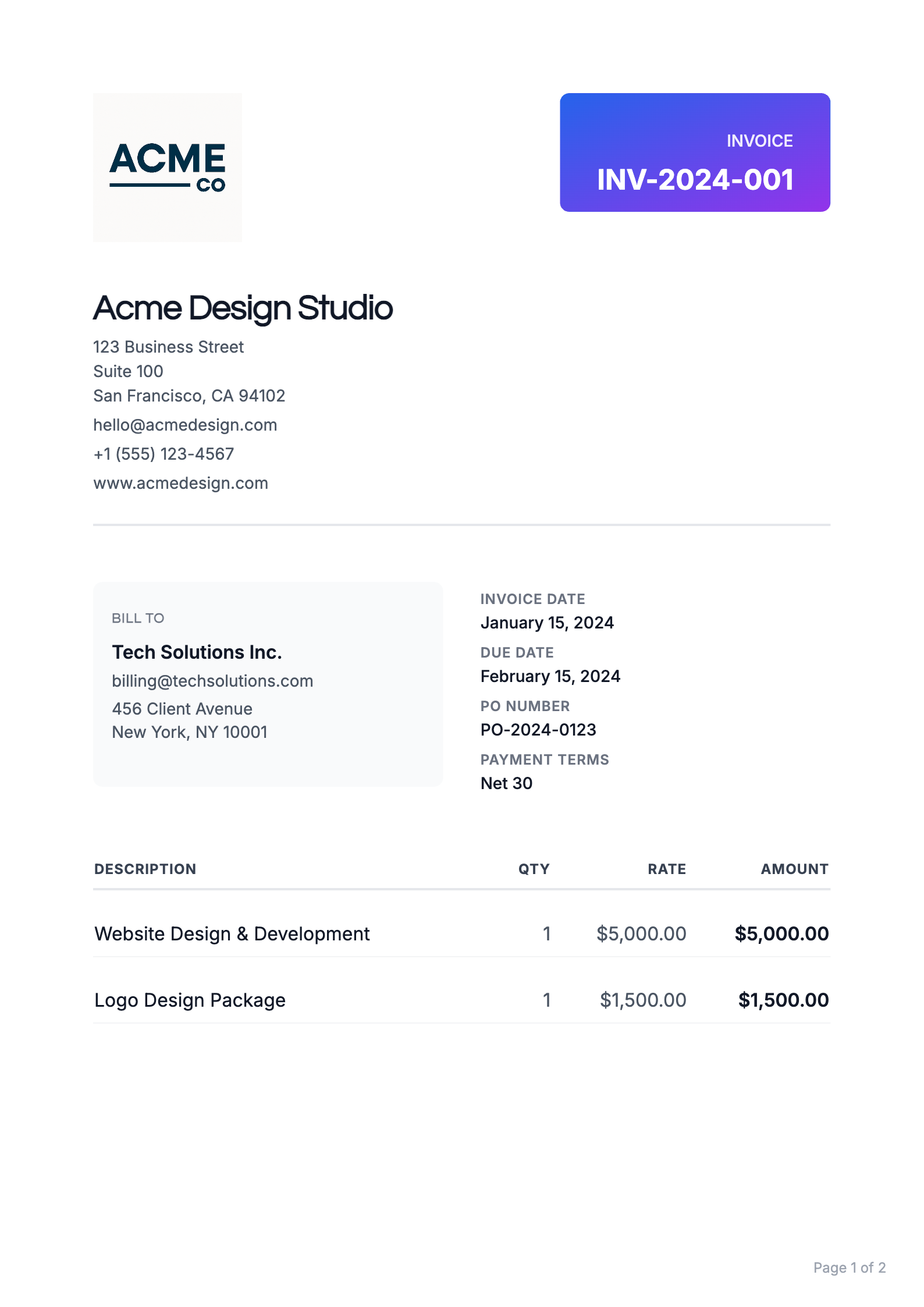
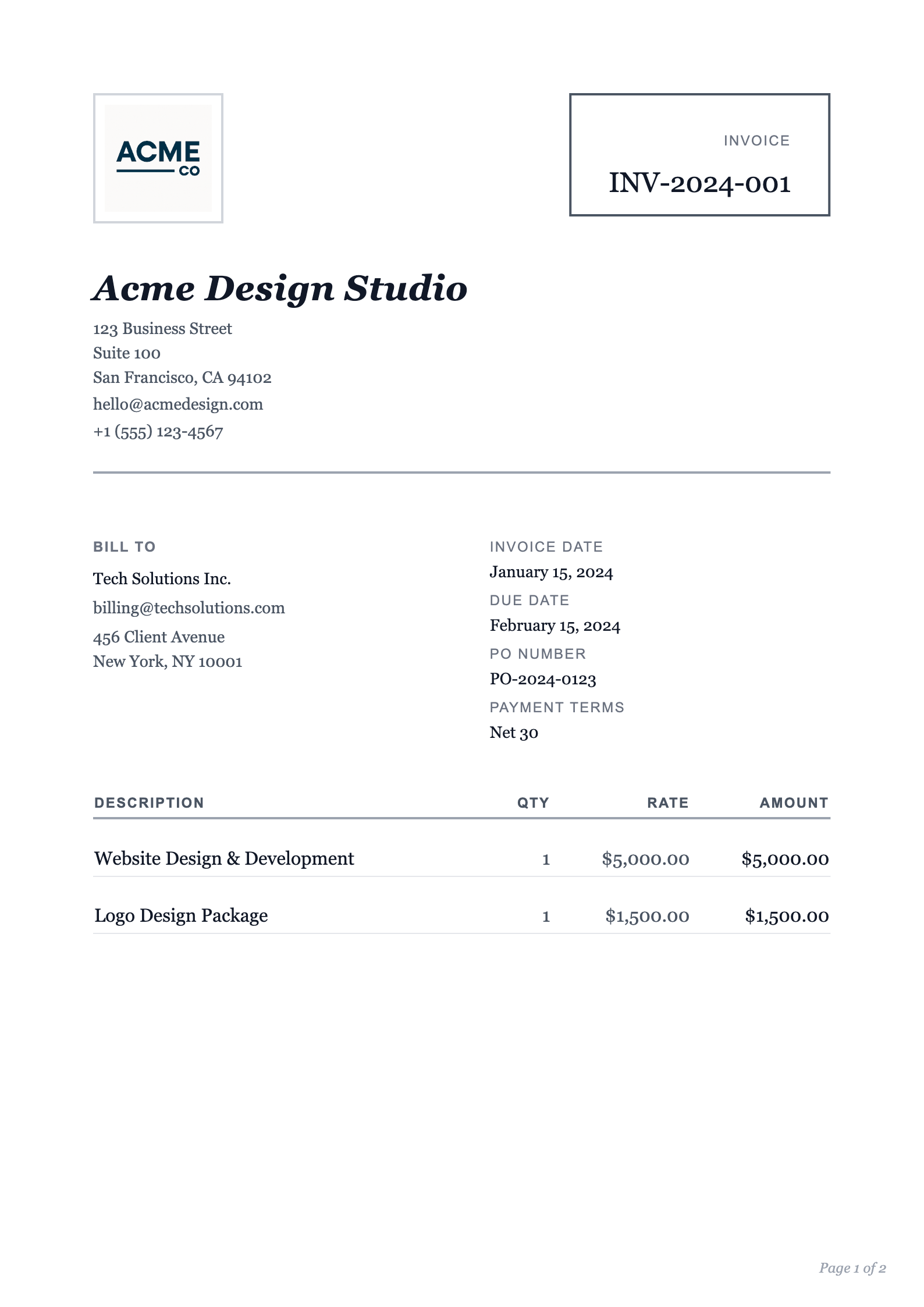
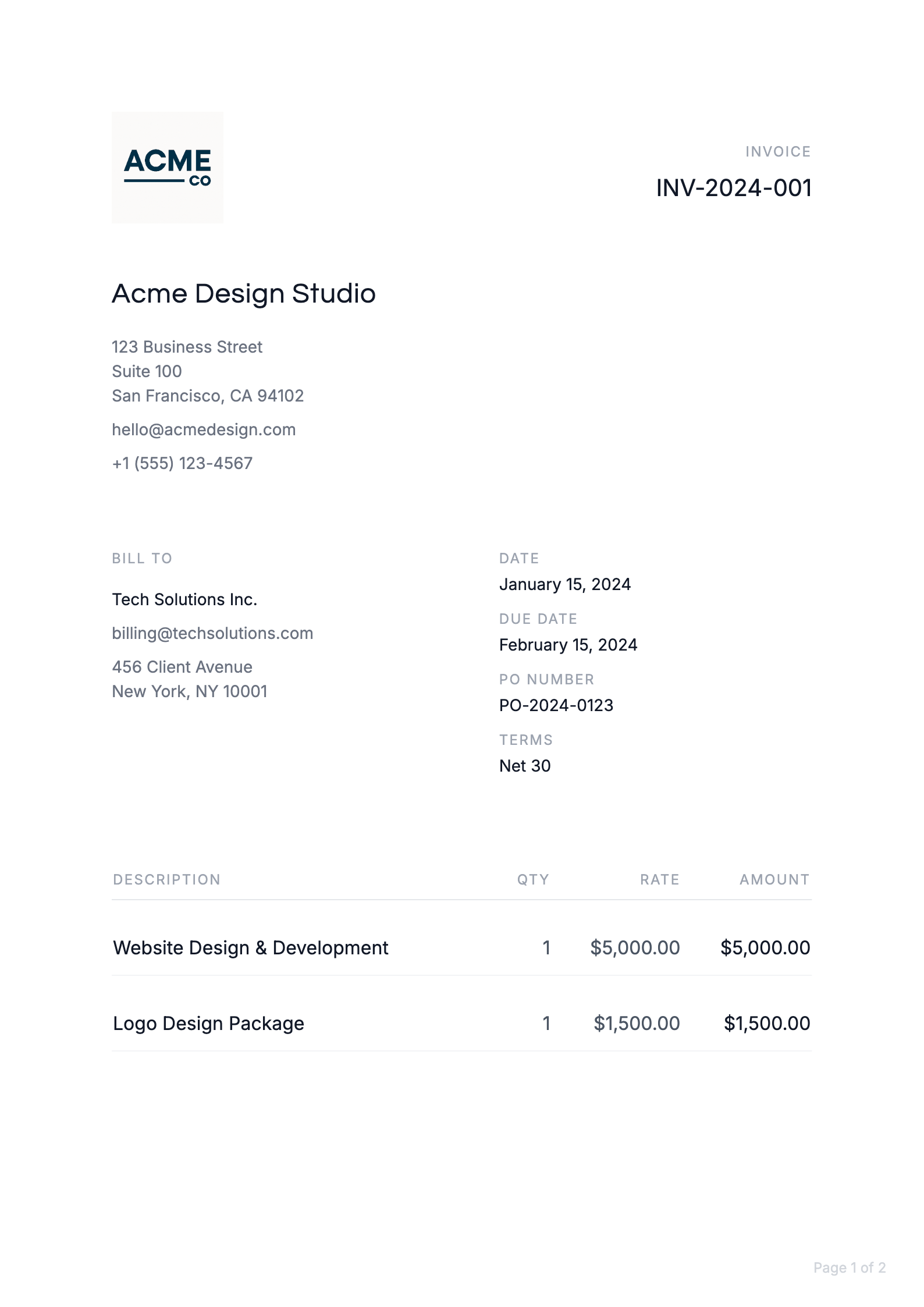
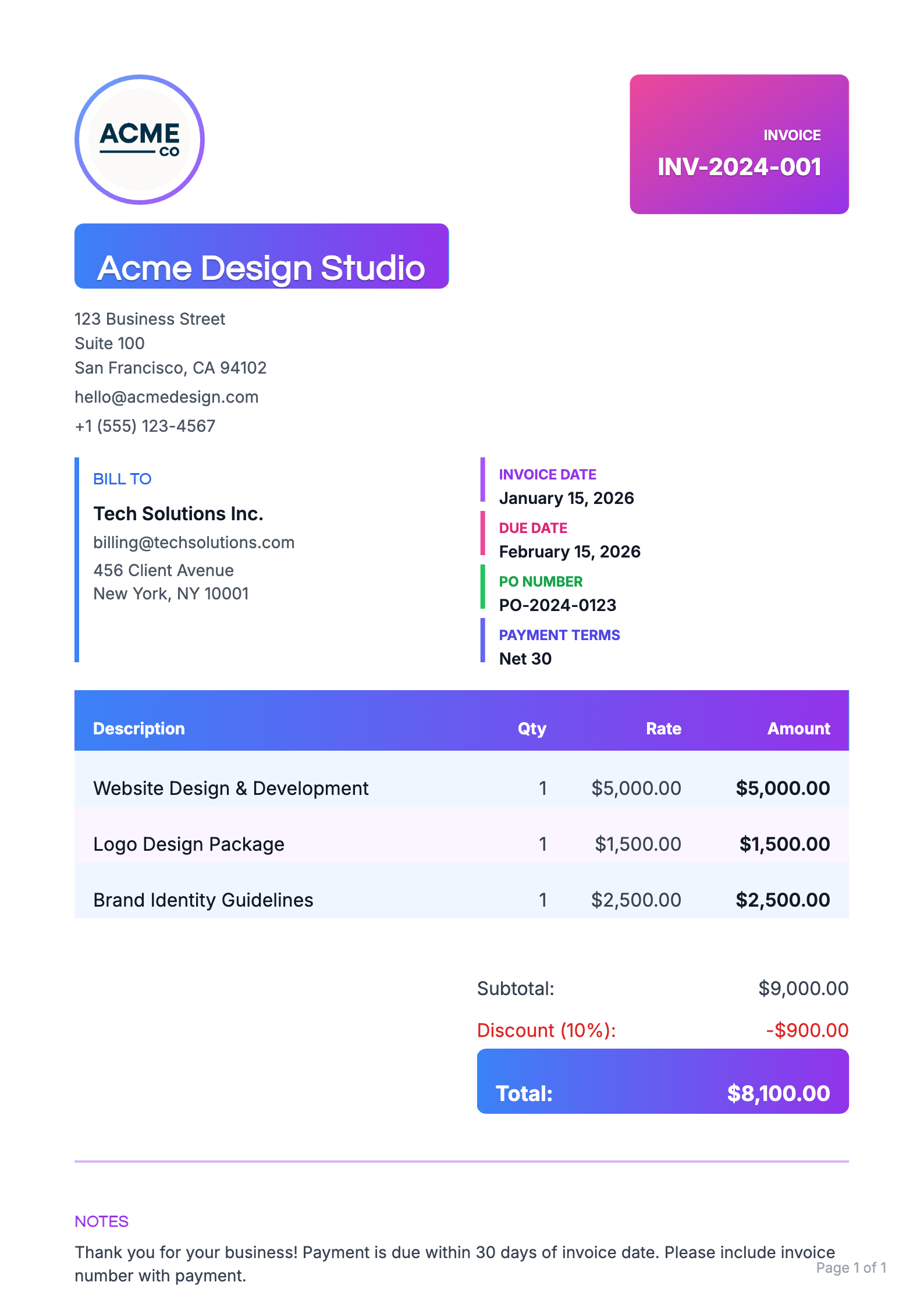
The easiest way to look professional is to use professional templates. Platforms like Invoice Website offer beautiful, customizable templates that ensure your invoices look professional and include all necessary information.
Number Your Invoices
Always use sequential invoice numbers when you create an invoice. This helps with:
- Organization
- Tax preparation
- Tracking payments
- Legal documentation
For more information about how invoice numbers work see our guide, Invoice Number Generator: How Our Numbering System Works.
Be Clear and Detailed
When you make an invoice, clarity is key:
- Use plain language
- Be specific about services provided
- Include dates and timeframes
- Avoid jargon unless necessary
Send Invoices Promptly
After you learn how to create an invoice, make it a habit to send them immediately after completing work or delivering products. This improves cash flow, shows professionalism, and reduces payment delays.
Common Mistakes When Learning How to Create an Invoice
Common Mistakes to Avoid
Avoid these errors when you create an invoice:
- Missing Information: Forgetting essential details like invoice number or due date
- Unclear Descriptions: Vague service descriptions that confuse clients
- Incorrect Math: Calculation errors that delay payment
- Poor Formatting: Hard-to-read invoices that look unprofessional
- No Payment Terms: Not specifying when payment is due
How to Create an Invoice Online
Why Use Online Invoice Tools?
The modern way to generate an invoice is using online tools like Invoice Website. Here's why it's better than other options:
- Speed: Create invoices in minutes, not hours
- Automation: Automatic calculations and numbering
- Professional Appearance: Pre-designed templates
- Easy Tracking: Built-in systems to track sent and paid invoices
- Accessibility: Create invoices from anywhere, anytime
Skip the manual work. Try it free.
Invoice Website handles formatting, numbering, and delivery automatically.
Tips for First-Time Invoice Creators
First-Time Tips
If you're new to how to make an invoice, start with these tips:
- Start Simple: Begin with basic invoices and add complexity as needed
- Use Templates: Don't start from scratch - use proven templates from Invoice Website
- Keep Records: Save copies of all invoices you create
- Be Consistent: Use the same format and numbering system
- Review Before Sending: Double-check all information before sending
Conclusion: Master How to Create an Invoice
Ready to Get Started?
Learning how to create an invoice is a crucial business skill. Whether you're wondering how to generate an invoice for the first time or looking to improve your invoicing process, following these steps will help you create professional invoices that get you paid faster.
Remember, the key to successful invoicing is clarity, professionalism, complete information, timely delivery, and proper follow-up.
Ready to start creating professional invoices? Sign up for Invoice Website today and discover how easy it is to generate invoices, create invoices, and make invoices that look great and get you paid on time.
Frequently Asked Questions
What must an invoice include?
Your business name and contact details, the client name and address, a unique invoice number, the issue date, a due date or payment terms, an itemized list of products or services with quantities and rates, taxes or discounts, the total due, and accepted payment methods.
How long does it take to create an invoice?
With an online invoice generator and saved client details, a typical invoice takes two to five minutes. Building one from scratch in a word processor or spreadsheet usually takes 15 to 30 minutes because you format and calculate everything by hand.
Can I create an invoice for free?
Yes. Invoice Website lets you create and download professional invoices on the free plan, with no card required. Paid plans add more documents per month, extra templates, email sending, and branding like logos and signatures.
Should I send invoices as PDF?
PDF is the safest format because it looks the same on every device, cannot be edited casually, and is easy for clients to file. Send the PDF by email or share a secure link, and keep a copy for your own records.